

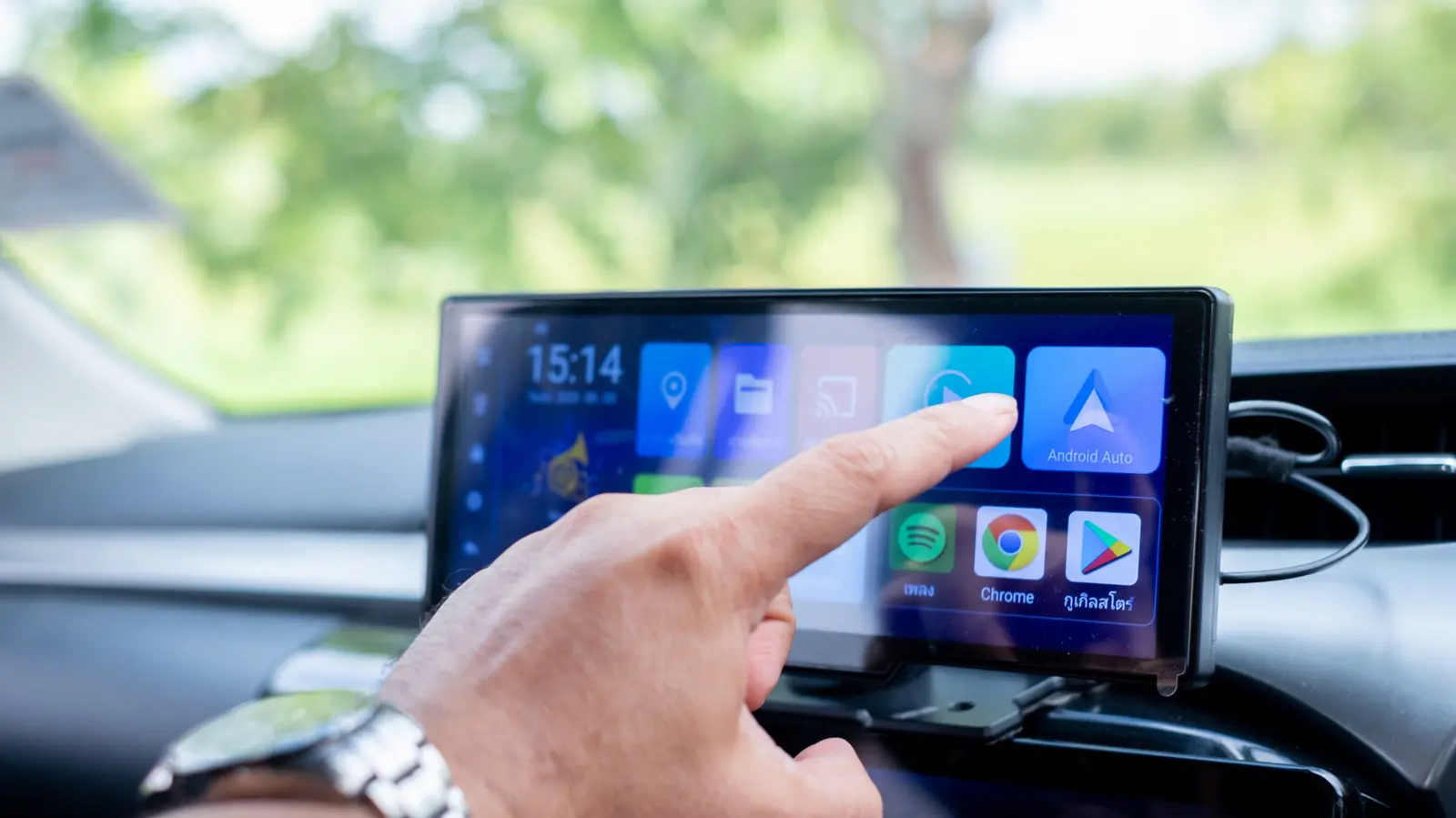
One of the best interfaces for your car's infotainment screen is Android Auto. It allows you to seamlessly use the same media, navigation, and entertainment apps across your phone and vehicle without worrying about syncing progress. To get started with Android Auto, all you need is a compatible vehicle and a smartphone running Android 9.0 or newer. Depending on your car's capabilities, you connect via a USB data cable or Bluetooth.
Most drivers stick to navigation and music playback through Google Maps and Spotify. However, Android Auto supports a wide range of apps that many users overlook. There are dozens of free Android Auto apps that can enhance your driving experience, and some may already be services you use daily without realizing they have Android Auto support. From parking helpers to audiobook players, web browsers, and even casual games, these apps bring convenience and entertainment to your commute.
If you're curious about what else Android Auto can do, here are four apps worth trying. All are free to use and elevate your driving experience in unique ways.
SpotHero
Perhaps the only thing more infuriating than bumper-to-bumper traffic is struggling to find a convenient parking spot. SpotHero solves this by listing available parking locations nearby, including airports and garages. You enter specific dates and times, and the app fetches the best parking spaces in the area. For supported locations, you can reserve the spot and pay via Google Pay. SpotHero operates in all major U.S. cities and supports Android Auto, making it easy to scan unfamiliar areas for affordable parking. It also highlights parking near events like concerts. The app holds a 4.4-star rating on the Google Play Store with over a million installs. Beyond its core functionality, SpotHero integrates with navigation apps to guide you directly to your reserved spot, reducing stress and saving time. For frequent drivers, this app can significantly cut down on the frustration of circling blocks.
Audible
Many drivers enjoy music during commutes, and apps like Spotify and YouTube Music offer Android Auto support for easy playback control. You can use Google Assistant or Gemini to skip tracks or play specific songs via voice commands. However, avid audiobook listeners will appreciate that Audible fully supports Android Auto. While there are cheaper audiobook alternatives, Audible remains the gold standard with a vast library available on practically every platform. The app's Android Auto interface provides simple playback controls, including chapter navigation and speed adjustment. Even if your vehicle doesn't support Android Auto, the mobile app includes an automatic car mode: navigate to Profile > Settings > Player and enable 'Automatic Car Mode.' This switches to a larger, simplified interface with playback controls when you connect to your car via Bluetooth. This feature is ideal for older cars without built-in infotainment systems, ensuring a safe and hands-free listening experience.
Vivaldi Browser
Android Auto can be as useful as you want it to be, especially with the right apps. While many users are familiar with tips like customizing wallpapers or trying powerful alternatives to popular services, Vivaldi Browser takes functionality further. This web browser is designed specifically for Android Auto, unlocking web surfing capabilities on your car's infotainment screen. It comes with a built-in ad blocker and privacy-oriented features, allowing access to virtually any website. If you have streaming platforms without native Android Auto support, you can use Vivaldi Browser to watch content when safely parked. The browser offers customization options like switching between light and dark modes, changing the start page background, and capturing screenshots. It also includes standard browser features such as bookmarking, viewing recently closed tabs, and a reader view that strips clutter from web pages. Vivaldi's integration with Android Auto means you can use voice commands to navigate or search, keeping your hands on the wheel. While browsing while driving is unsafe, the app is perfect for passengers or when parked.
GameSnacks
We've all found ourselves waiting in parking lots or outside a friend's home. GameSnacks, a service by Google, is designed for these moments. It offers a collection of simple, HTML5-based games that run on your car's infotainment screen. Titles include 'Classic Solitaire' and match-three games like 'Fruit Cube Blast.' The catalog also features multiplayer games for when you have a passenger. GameSnacks is great for killing time, but only when parked safely—playing while driving is obviously dangerous and illegal. Because the games are HTML5-based, you can also play them on any device's browser. This cross-platform compatibility ensures you can continue your game on your phone or tablet when you leave the car. The interface is optimized for touch screens, making it easy to tap and swipe. For families, GameSnacks can keep children entertained during long stops, making it a versatile addition to your Android Auto setup.
Source: SlashGear News