

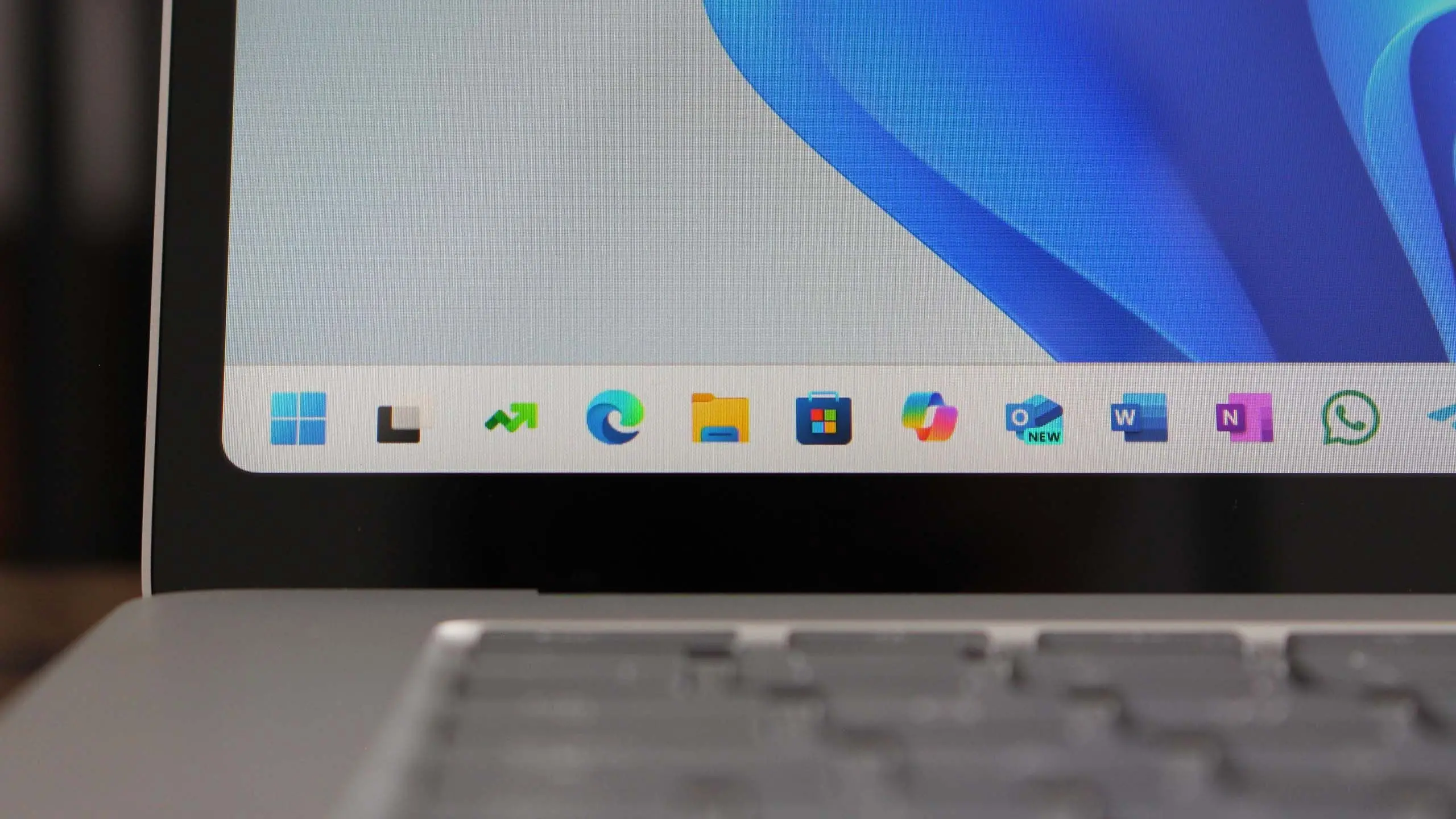
Overview of Windows 11 25H2
Microsoft is preparing to launch Windows 11 version 25H2, the next major feature update for its operating system. Building on the foundation of Windows 11 24H2, this release is expected to bring a slew of enhancements, including deeper integration of artificial intelligence, refined user interface elements, and improved system performance. Although Microsoft has not officially announced a specific release date, industry insiders and previous update patterns suggest that 25H2 will roll out in the second half of 2025. The update will likely be delivered as a full OS build, requiring a system check similar to previous feature updates.
Expected Release Timeline
Following Microsoft's typical cadence, Windows 11 25H2 is expected to enter the Insider Preview program in early 2025. The first builds will be available in the Dev Channel, allowing enthusiasts and developers to test new features. A public preview via the Release Preview Channel is anticipated around mid-2025, with general availability likely in September or October 2025. This timeline aligns with Microsoft's pattern of releasing major updates in the fall. However, the company may accelerate or delay the release based on feedback and quality metrics.
Microsoft has previously emphasized the importance of stability, so 25H2 will undergo rigorous testing before broad deployment. Users can expect at least six months of Insider builds before the final version is signed off. Enterprises and IT administrators should plan for possible deployment windows starting in late 2025.
New Features and Improvements
The headline feature of Windows 11 25H2 is expected to be an upgraded Copilot AI assistant. Microsoft is likely to expand Copilot's capabilities beyond simple queries, enabling it to control system settings, analyze documents, and automate repetitive tasks directly from the taskbar. The AI integration may also extend to the File Explorer, where Copilot could help users organize files, rename batches, and extract information from images or PDFs.
Another area of improvement is the Start menu and taskbar. Rumors suggest that Microsoft will introduce a new layout option that allows users to customize the grid size and add more pinned apps. The taskbar may receive a long-awaited feature: the ability to reposition icons without third-party tools. Additionally, the system tray could be streamlined with better grouping of notification icons.
Windows 11 25H2 is also poised to refine the Widgets panel. Microsoft has been experimenting with third-party widget support, and the 25H2 update might open the platform to developers, allowing them to create widgets for news, weather, calendar, and productivity apps. The panel itself is expected to become more responsive and customizable.
Under the hood, Microsoft is working on performance improvements, particularly for devices with limited RAM. The memory management system may see optimizations that reduce the footprint of background services, freeing up resources for foreground applications. This is crucial for older hardware that struggles with the current version.
System Requirements and Compatibility
One of the biggest questions surrounding any Windows update is whether it will raise hardware requirements. For Windows 11 25H2, Microsoft is likely to maintain the existing minimum specifications: a 64-bit processor with at least 1 GHz clock speed, 4 GB of RAM, and 64 GB of storage. The TPM 2.0 requirement and Secure Boot are expected to remain mandatory. However, there is speculation that Microsoft might require newer processors that support specific AI instructions for the full Copilot experience. This could make some older CPUs incompatible with the most advanced features, even if they can run the base OS.
Users currently running Windows 11 24H2 with supported hardware should be able to upgrade to 25H2 without any issues. However, those on unsupported hardware (e.g., systems without TPM 2.0) that were upgraded via workarounds may find that future updates are blocked. Microsoft has consistently discouraged installing Windows 11 on unsupported hardware, and the 25H2 update could enforce stricter checks.
Performance and Security Enhancements
Security remains a cornerstone of Windows 11, and 25H2 is expected to introduce several new features. Microsoft may implement a new kernel-level protection mechanism that prevents unauthorized access to memory, further hardening the OS against exploits. The Windows Defender suite could also receive AI-driven threat detection, analyzing behavior patterns to identify zero-day attacks faster.
Performance-wise, the update will likely improve boot times through faster initialization of drivers and services. Gaming enhancements are also on the horizon, with potential support for automatic HDR calibration and better integration with the Xbox Game Bar. Users might see a noticeable improvement in frame rates on systems with DirectX 12 Ultimate graphics cards.
Energy efficiency is another focus. Windows 11 25H2 could include a new power mode that dynamically adjusts CPU and GPU performance based on activity, extending battery life on laptops. This feature, known as Dynamic Refresh Rate, may become more adaptive, reducing screen refresh rate when the device is not in use.
Enterprise and Administrator Features
For business users, Windows 11 25H2 will bring enhancements to Microsoft Intune and Windows Update for Business. IT admins will gain more granular control over update rings, allowing them to deploy the feature update to pilot groups before company-wide rollout. The update is also expected to include improved support for Windows 365 and Azure Virtual Desktop, with better video codecs and latency reductions.
Group Policy settings may be expanded to cover new privacy features, such as the ability to disable AI-powered telemetry or limit Copilot's access to enterprise data. Microsoft is likely to release detailed documentation for administrators to prepare for the transition.
In addition, the Windows Subsystem for Linux (WSL) will receive a performance boost, with faster file system operations and better GPU passthrough for machine learning workloads. This will benefit developers who rely on Linux tools within Windows.
Accessibility and Inclusivity Updates
Microsoft has been investing heavily in accessibility, and 25H2 will reflect that. The updated operating system is expected to include a new voice access feature that works entirely offline, allowing users to control their PC with voice commands without an internet connection. The Narrator screen reader is likely to gain improved braille display support and faster navigation.
Visual accessibility upgrades may include a new high-contrast theme that uses AI to automatically adjust colors based on the content being displayed. The magnifier tool could also see enhancements, with smoother panning and zoom gestures.
For users with motor impairments, Microsoft is testing a feature called 'look to click,' which uses eye tracking (with compatible hardware) to trigger mouse clicks. This could be a game-changer for hands-free computing.
Final Thoughts on Windows 11 25H2
Windows 11 version 25H2 represents Microsoft's continuing commitment to evolving its desktop platform. While the core experience remains familiar, the integration of AI, security improvements, and performance tweaks promise to make daily computing more efficient and secure. Users should start planning for the update cycle, ensuring their systems are compatible and that they have adequate backups. As always, waiting for the first few weeks of public release is advisable to let any early bugs get ironed out. The future of Windows 11 looks set to be smarter, faster, and more inclusive with version 25H2.
Source: Windows Central News