

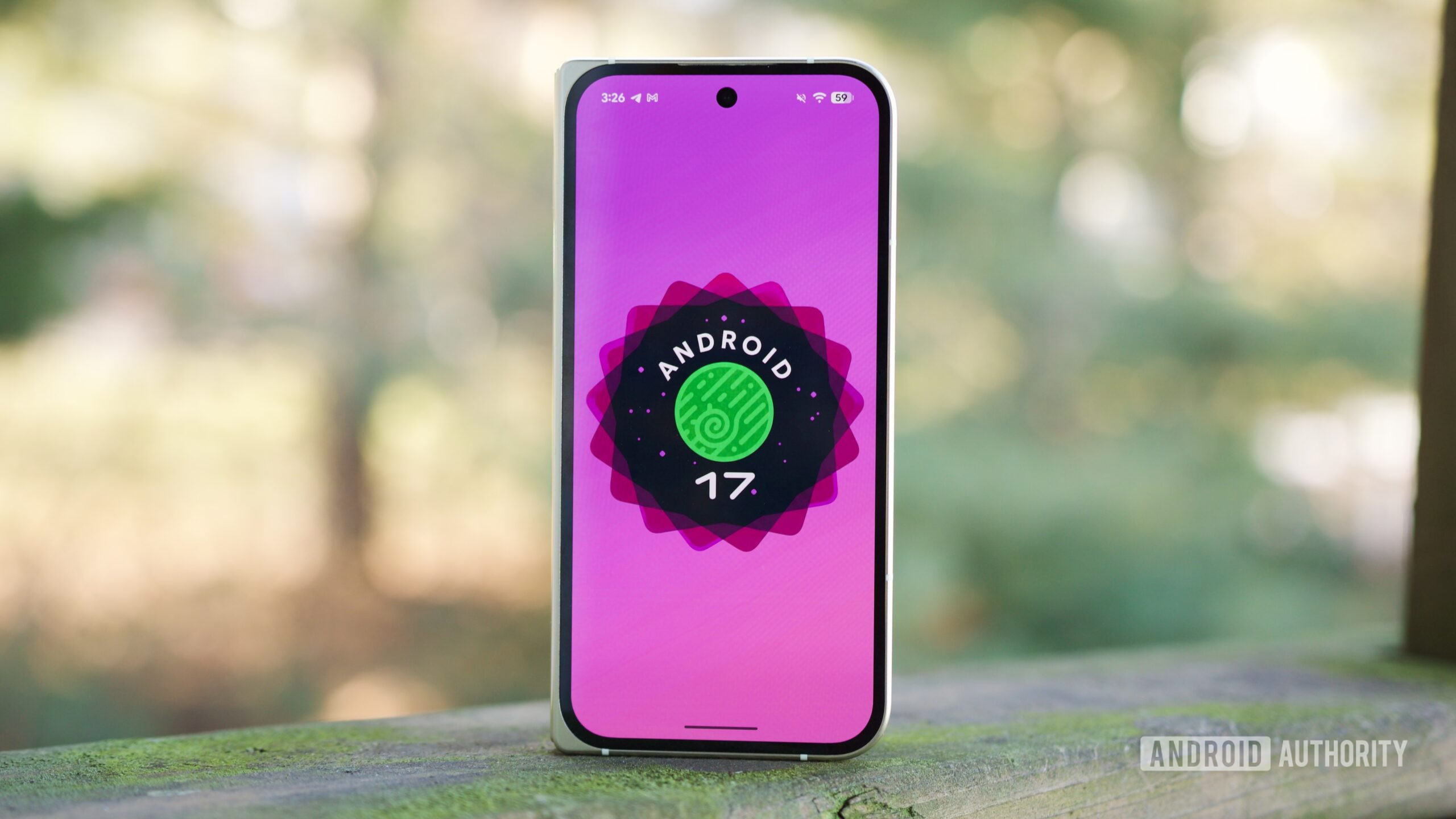
The latest Android 17 QPR1 Beta 3, released at Google I/O 2026, brings a refined media controls interface that replaces the long-standing carousel layout with a more intuitive card-based design. This update addresses one of the most common frustrations among users: accidentally fast-forwarding or rewinding audio while trying to switch between apps. The new interface not only simplifies navigation but also integrates better with the overall notification and lock screen experience, making media management smoother and more predictable.
A Better Way to Switch Media Apps
In previous Android versions, media controls appeared as a horizontal carousel of album art or app icons. Users could swipe left or right to cycle through active media apps, such as Spotify, YouTube Music, or a podcast app. However, this gesture often interfered with the seek bar, also controlled by horizontal swipes. Many users reported accidentally skipping tracks or scrubbing through content when they intended to switch apps. Android 17 replaces this with a layout where the primary media player remains centered, flanked by smaller cards representing other active apps. These cards are clearly tappable, making the action of switching media apps distinct from seeking. Swiping still works for those who prefer it, but the new design mentally separates the two actions.
Visual and Interaction Design
The new media controls take the form of a compact pill-shaped dashboard. The currently active app is displayed prominently in the middle with full controls – play/pause, skip, and seek bar – while other apps are minimized into smaller cards on either side. Tapping any of these small cards instantly switches control to that app. The design borrows from the way Android handles multiple notification channels, grouping related items without clutter. This visual hierarchy makes it immediately clear which app is active and which are available. The transition animations are smooth, and the cards adjust their size based on the number of active apps, ensuring that even with many apps, the interface remains usable.
Prioritization and Session Management
Android has always arranged media apps in order of importance: locally playing media takes precedence, followed by remote playback (e.g., Chromecast), and then recently paused or resumable sessions. In the new UI, this ordering is preserved, but the visual representation is clearer. The card on the left typically shows the next higher-priority app, while the right card shows the next lower, or vice versa. Users can long-press a card to see more options, such as switching directly to that app or dismissing it from the list. For developers, the new API remains backward-compatible, so existing apps will work without modification. However, apps that rely heavily on custom media sessions may need to test their integration.
Comparison with Other Platforms
Apple iOS has long used a centralized lock screen widget for media, but switching between apps typically requires the user to open the control center or the app itself. Android's new approach brings a more desktop-like multitasking experience to the phone, similar to how Windows shows a media overlay on the lock screen. One unique advantage of Android's implementation is that it works seamlessly with remote media sessions – something neither iOS nor Windows does as elegantly. The card layout also resembles the 'Now Playing' interface in Android Auto, suggesting a unified design language across Google's ecosystem.
Beta Feedback and Potential Improvements
Early testers of the beta have praised the reduction in accidental interactions, but some have voiced concerns about the compactness of the smaller cards. On devices with large screens, the cards are easily tappable, but on smaller or foldable displays, they may feel cramped. There is also a request for user-customizable control sizes – allowing users to enlarge the player or hide the cards entirely. Google has not announced whether such options will be available in the stable release. Another area for improvement is the lack of a persistent 'open app' button; currently, users must tap the album art to launch the app, which may not be discoverable for everyone.
Broader Context of Android 17 QPR1 Beta 3
Beyond the media switcher, this beta includes notable features such as a 'Metric Style' notifications template, which uses material design principles to make alerts more glanceable. There is also a 'Continue On' continuity feature, similar to Apple's Handoff, that lets users pick up tasks across devices. Google is cracking down on apps that play unexpected background audio, providing users with more control over which apps can run audio services. Additionally, the beta includes a new security verification screen that helps users confirm the integrity of their operating system – a move toward better transparency in the face of advanced malware. These changes signal Google's commitment to refining the core Android experience without wholesale redesigns.
Historical Evolution of Android Media Controls
Media controls on Android have evolved significantly since the early days. In Android 4.0 Ice Cream Sandwich, music controls appeared as simple notification actions. Android 5.0 Lollipop introduced lock screen media controls, but they were often overwritten by third-party apps. Android 8.0 Oreo standardized media notifications with the MediaSession framework. Android 11 brought a dedicated media player section in quick settings, and Android 12 introduced the carousel with Material You customization. Now, Android 17 refines this further by addressing the usability issues of the carousel. Each iteration has aimed to balance functionality with simplicity, and the new card layout seems to achieve that balance better than its predecessors.
Implications for Developers and User Experience
For app developers, the new layout means that their media controls will be more visible and interactive. The tap-to-switch behavior encourages users to leave multiple apps open, which could increase engagement for music and podcast apps. However, apps that rely on background playback may need to clearly communicate their state, as users can now quickly see and switch between active sessions. The change also impacts the way apps can influence the media player – for example, custom album art and metadata will be displayed more prominently on the larger central card. Developers should test their media notification implementations to ensure compatibility, especially if they use complex playback queues or custom seek bars.
User Reception and Early Impressions
On forums and social media, early adopters have expressed relief that accidental fast-forwarding is now less common. Many appreciate the ability to tap a card instead of swiping repeatedly to find the right app. Some power users who juggle multiple media apps (e.g., podcasts, music, and audiobooks) find the new layout more efficient. However, a vocal minority misses the carousel's ability to show more than two alternative apps at a glance. In response, some have suggested that Google could add a 'show all' button that expands the card list. There are also requests for better support for media apps that run in the background without active playback (e.g., radio apps).
Security and Privacy Considerations
The new media switcher interacts with Android's permission system. Apps must have the necessary audio focus and foreground service permissions to appear in the media controls list. The previous carousel sometimes exposed apps that had played audio recently but were no longer active, which could be a minor privacy concern (showing what apps users had used). The new layout only shows actively playing or immediately resumable sessions, reducing this exposure. Additionally, the 'Continue On' continuity feature uses end-to-end encryption to transfer session data between devices, ensuring that media playback history remains private.
Looking Ahead to the Stable Release
While the beta shows promise, there are still refinements to be made before the stable launch. Battery life impact seems minimal based on early tests, but the media player's rendering of album art could be optimized for lower-end devices. Google may also introduce gesture-based controls for the cards, such as double-tap to switch to the previous app. The company has a history of iterating on beta feedback, so we can expect tweaks to sizing, animation speed, and accessibility. For now, the new media switcher represents a thoughtful evolution of a core Android feature that many people use daily. It solves a real problem while maintaining familiarity—exactly what users want from a system update.
The removal of the carousel and the arrival of the card layout mark a meaningful step forward in Android's usability journey. By reducing friction in media app switching, Google has improved the overall smartphone experience without adding complexity. The change is subtle, but for anyone who has ever cursed under their breath while skipping a song they didn't want to skip, it's a welcomed improvement.
Source: Android Authority News