

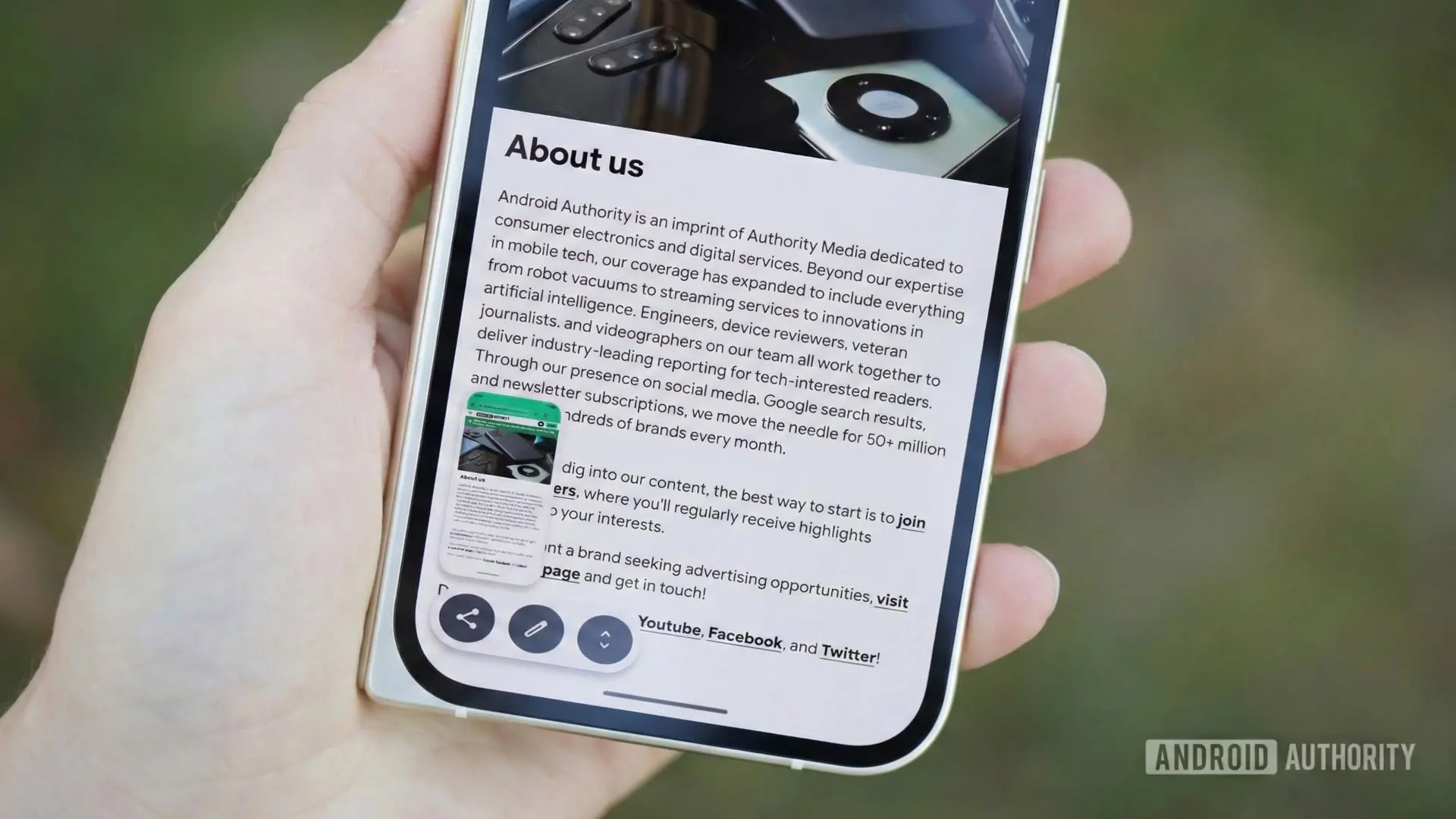
The latest Android beta release, Android 17 QPR1 Beta 3, has brought to light two new buttons hidden within the screenshot overlay. These buttons, labeled "Copy to clipboard" and "Open in folder," appear to streamline screenshot management. However, evidence suggests they are designed not for smartphones but for larger-screen devices running Aluminium OS, Google's evolving operating system for laptops and tablets.
What Are the New Screenshot Overlay Buttons?
In Android 17 QPR1 Beta 3, users who managed to enable these hidden features found two additional icons appearing after taking a screenshot. The "Copy to clipboard" button copies the captured image directly to the device’s clipboard, allowing immediate pasting into any app that supports image input from clipboard content. The "Open in folder" button, meanwhile, opens the screenshot’s save location—typically a dedicated screenshots folder—directly in the built-in Files app. These functions are straightforward but represent a notable expansion of Android's native screenshot workflow.
How They Work in Practice
When activated, the copy-to-clipboard function places the screenshot in the system clipboard. This enables users to paste the image into chat applications, note-taking tools, or any app that accepts pasted images. Notably, this differs from Gboard’s existing screenshot access feature, which surfaces recent screenshots within the keyboard suggestion strip. The new system-level option works across all keyboard apps, offering broader compatibility. The open-in-folder action is also convenient, as it bypasses the need to manually navigate through galleries or file managers to find the screenshot.
During testing, enabling these new buttons caused the long screenshot (scrolling screenshot) option to disappear from the screenshot overlay. This behavior strongly implies that the buttons are not intended for standard phone use cases, where long screenshots are common and valued. Instead, the trade-off makes sense on larger screens or devices where long screenshots are less frequently taken, such as tablets or laptops.
Why Are These Features for Aluminium OS?
The rationale behind this assumption lies in recent leaks and the nature of Aluminium OS itself. Aluminium OS is Google's upcoming operating system for laptops and Googlebooks, designed to merge the best aspects of Chrome OS and Android. In a leaked build of Aluminium OS, the same two screenshot buttons appeared, further supporting the theory. On a desktop-like interface, copying a screenshot to clipboard is a standard productivity workflow, and opening the file in a file manager is equally expected.
Additionally, Android's current screenshot implementation on phones already includes editing, sharing, and long screenshot capabilities. Adding clipboard and folder buttons would clutter the overlay on small screens. However, on a tablet or laptop with more screen real estate, these additional options provide useful functionality without overwhelming the user interface.
Background: Aluminium OS and Android's Big Screen Push
Google has been steadily working to improve Android's experience on larger screens. With Android 12L and subsequent releases, the company introduced taskbars, better multitasking, and optimized layouts for tablets and foldables. Aluminium OS represents the next logical step: a full-fledged desktop operating system that can run Android apps natively. The inclusion of these screenshot features in a beta intended for phones suggests Google is testing the waters before rolling them out to the wider Aluminium OS ecosystem.
Historically, Android's screenshot capabilities have evolved from simple hardware button combinations to the current gesture-based system. The introduction of scrolling screenshots in Android 12 was a major milestone. Now, with clipboard integration, Google is aligning Android's behavior with that of desktop operating systems like Windows and macOS, where copying screenshots to clipboard is a built-in feature.
The decision to disable long screenshots on phones when these buttons are enabled indicates that Google sees these as mutually exclusive features. On big screens, long screenshots are less useful because users can capture full windows or pages more easily through other means. Instead, quick clipboard access and file management take priority.
Current Screenshot Capabilities in Android
As of Android 17, the default screenshot flow includes a preview thumbnail with options to edit, share, delete, and take a long screenshot. The new buttons would add two more options, potentially overwhelming users on smaller screens. Gboard already provides clipboard access, but many users prefer third-party keyboards that lack such integration. The system-level clipboard button solves this problem universally.
Moreover, the open-in-folder button addresses a common pain point: locating the screenshot file after it is taken. While Google Photos and the Files app can find screenshots, having one-tap access from the overlay streamlines the workflow. This is particularly useful for users who frequently organize or process screenshots for documentation, reporting, or creative work.
Implications for Users
For everyday smartphone users, the arrival of these features on phones remains uncertain. Google may choose to keep them exclusive to Aluminium OS or offer them as optional toggles in a future Android release. The fact that they appeared in a phone beta suggests they may eventually be available on phones, perhaps with a setting to enable them at the cost of losing long screenshot functionality. Power users who rely heavily on clipboard operations might welcome the trade-off.
Meanwhile, Aluminium OS users stand to benefit immediately. The combination of clipboard copy, folder open, editing, sharing, and long screenshots would give them a comprehensive screenshot toolkit that rivals desktop operating systems. This aligns with Google's strategy to make Aluminium OS a serious contender in the laptop market, challenging Windows and macOS.
Looking Ahead
Google has not officially commented on these new buttons, nor confirmed their intended device targets. As development continues, more clues may emerge in subsequent beta releases. Given the tight integration between Android and Aluminium OS, it is likely that these features will debut on the first generation of Googlebooks running Aluminium OS later this year. For now, Android 17 QPR1 Beta 3 offers a sneak peek into a more productivity-focused screenshot future, one that bridges the gap between mobile and desktop experiences.
In summary, the new screenshot buttons highlight Google's ongoing efforts to unify its operating system experiences across form factors. Whether on a phone, tablet, or laptop, the ability to quickly copy a screenshot to clipboard or open its location is a small but meaningful improvement. As the Android ecosystem continues to expand beyond traditional phones, features like these will become increasingly important in defining user workflows.
Source: Android Authority News